Live Mic. Announce it yourself PRO
Some moments need your voice, not a recording. Press and hold and your phone becomes a real PA microphone. Your voice goes live through the field speaker, in real time.
When you'd use this: a pitching change, welcoming the visiting team, running the 50/50 raffle, hyping the home crowd, calling a rain delay. Anything you'd grab a press-box mic for, except it's the phone already running the game. Live Mic is a Pro feature.
Go on air
-
1
Open the SFX tab and tap Live Mic
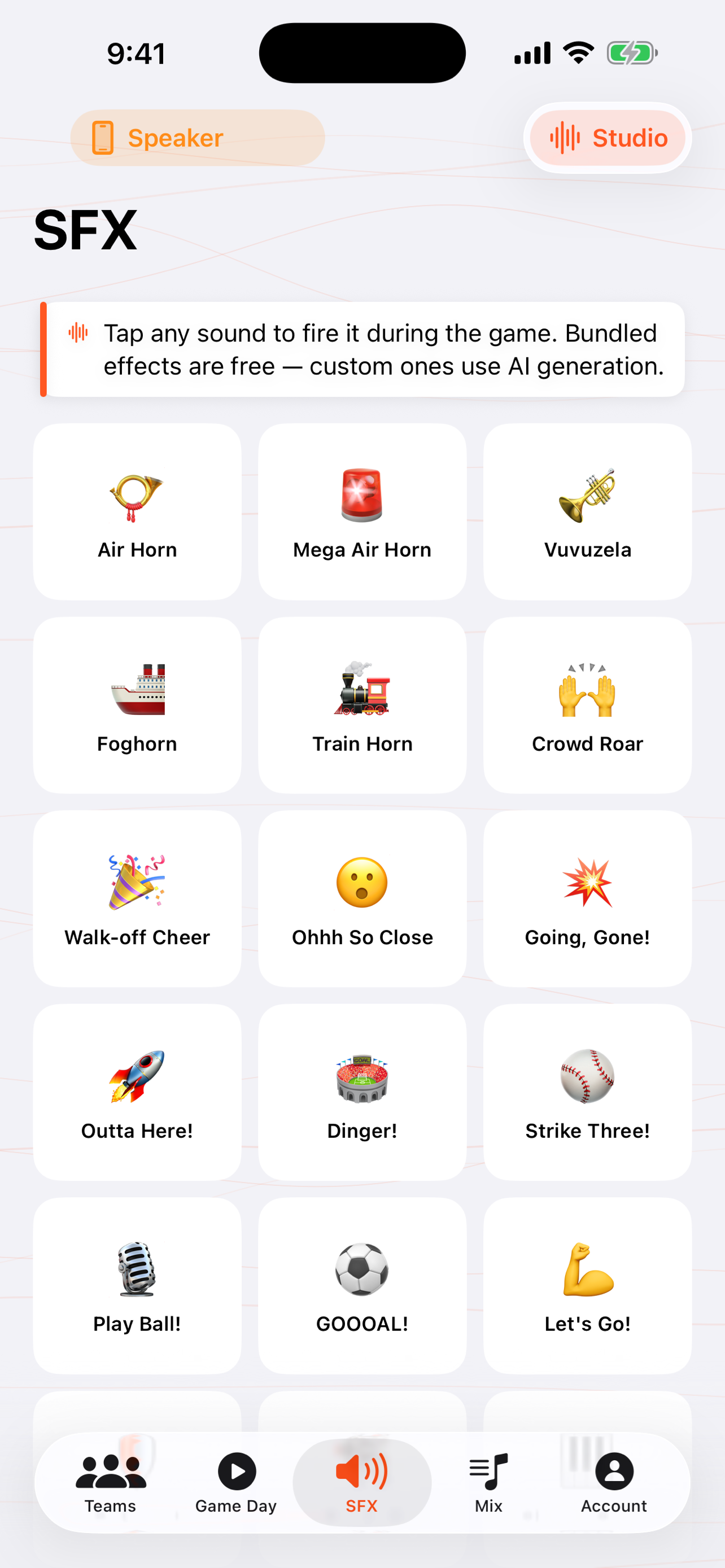
From the sound-effects board, tap the Live Mic card. It opens the on-air screen.
-
2
Press and hold to talk
Hold the button and speak. Your voice routes straight out the connected speaker in real time. Release it and you're off air.
-
3
Or tap to latch it on
For a longer announcement, tap to latch the mic on hands-free so you're not holding the button. Tap again to drop off air.
-
4
The music gets out of your way
If the between-innings mix is playing, it ducks down the moment you go on air, then comes back up when you're done. You don't have to pause anything.
Troubleshooting
I hear a squeal or echo when I talk
That's audio feedback. The mic is picking up the speaker. Step away from the speaker, point the phone away from it, or turn the speaker volume down a notch. The closer the phone is to the speaker, the more likely the loop.
My voice isn't coming through the speaker
Make sure the phone is actually connected to the speaker (check the audio route on the toolbar, see Bluetooth & AirPlay), and that the iPhone's microphone permission is granted for GameDay DJ. Some Bluetooth speakers also need a second to wake. Hold the button a beat before you start talking.
The Live Mic card shows a PRO badge / opens the paywall
Live Mic is part of Pro, alongside team sharing, the between-innings music mix, and custom sound design. Upgrade once and it's unlocked on your account.
There's a slight delay on my voice
A small amount of latency is normal over Bluetooth. The speaker buffers audio. For the tightest timing, a wired connection to the PA has the least delay; see the output options.