Generate walk-up intros in an announcer voice
Once your roster's in, GameDay DJ writes and voices a stadium-announcer intro for every player ("Now batting, number 7, Jordan Riveraaa!") in a pro announcer voice. No recording booth, no talent to hire.
Generate intros for your team
- 1
Open a player
On the Teams tab, tap your team, then tap a player to open their editor.
- 2
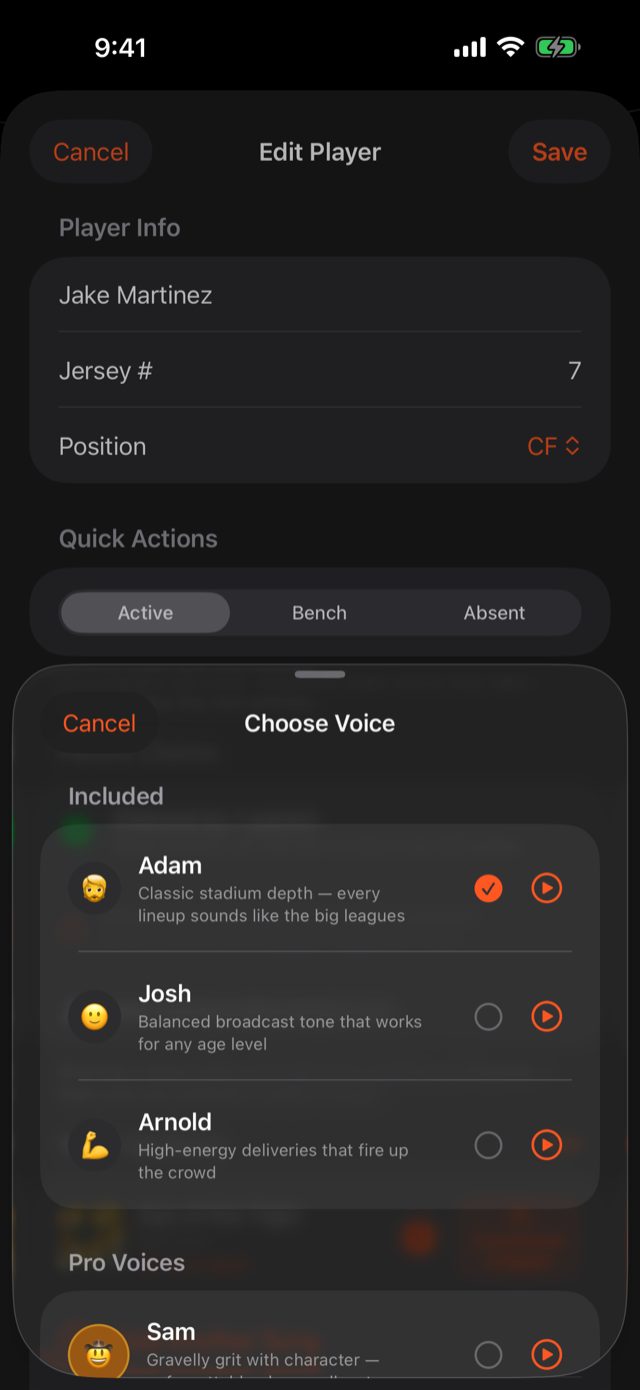
Pick a voice
Choose an announcer voice for the player (or set one for the whole team). Each voice has its own energy and delivery.
- 3
Generate
Tap generate and our AI produces the spoken intro in a few seconds. Play it back on the spot.
Make the intro your own
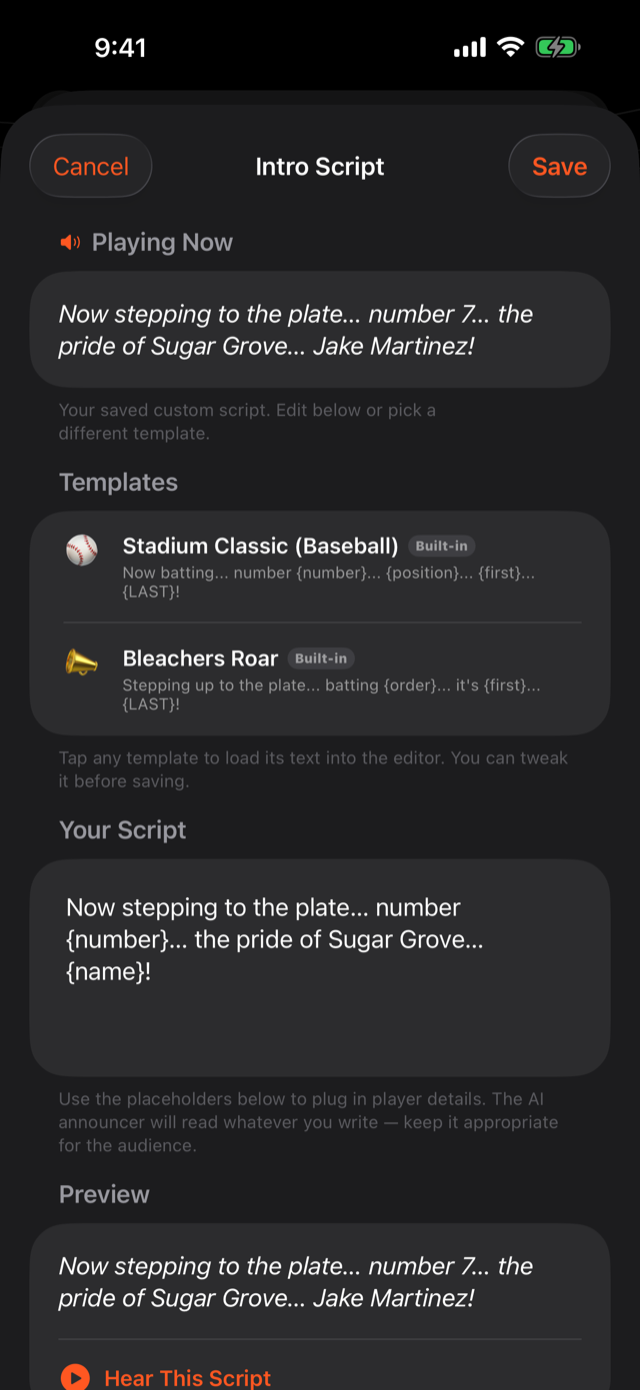
Want a nickname, a hometown, or a custom line? Open the intro script editor, type what the announcer should say, and regenerate. Pronunciations not landing right? Turn on Custom pronunciation and spell the name the way it sounds (e.g. "Rivera" → "Ri-VAIR-uh"), then generate again. Full guide to fixing a mispronounced name.
Why generating asks you to sign in
Generating intros (and scanning rosters and creating custom sound effects) needs a free GameDay DJ account signed in. That's an account requirement, not a paywall. The free tier generates intros for your team. Playback never asks you to sign in. A Pro subscription unlocks sharing your team with co-coaches and parents, the Live Mic, and custom sound effects. (Syncing your own teams across your devices is free once you're signed in.) See what Pro unlocks.
Was this article helpful?